Clean CSV and Excel files — fix what is always wrong.
Open a CSV, TSV or Excel file in Rote Workspace's Data Workspace. Its problems are listed the moment it opens; every fix is previewed cell by cell and becomes a step you can reuse next week.
No sign-up · No credit card · Nothing to install
For example
Four problems every hand-made export has.
Trailing spaces you cannot see, a blank row, the same order twice, and a column named for a database rather than a person. Here is that file, and the same file after a workflow runs.
Before
| order_id | cust_name· | amount |
|---|---|---|
| 10431 | ··Northgate Supply· | 4820.00 |
| 10432 | Bell & Rowe | 3275.50 |
| — | — | — |
| 10432 | Bell & Rowe | 3275.50 |
- 1Trim spacesEvery column
- 2Remove empty rowsAll columns blank
- 3Find duplicatesWhole row must match
- 4Tidy headerscust_name → Customer
Open next week's file, run this workflow, and the same four steps run again.
After
| Order ID | Customer | Amount |
|---|---|---|
| 10431 | Northgate Supply | 4820.00 |
| 10432 | Bell & Rowe | 3275.50 |
· marks a space you would not otherwise see. The red row is blank in every column. Nothing here is edited by hand — it is the four steps below, run in order.
Video tutorial
Watch a messy CSV file get cleaned, step by step
Under four minutes, using a sample file you can download and follow along with.
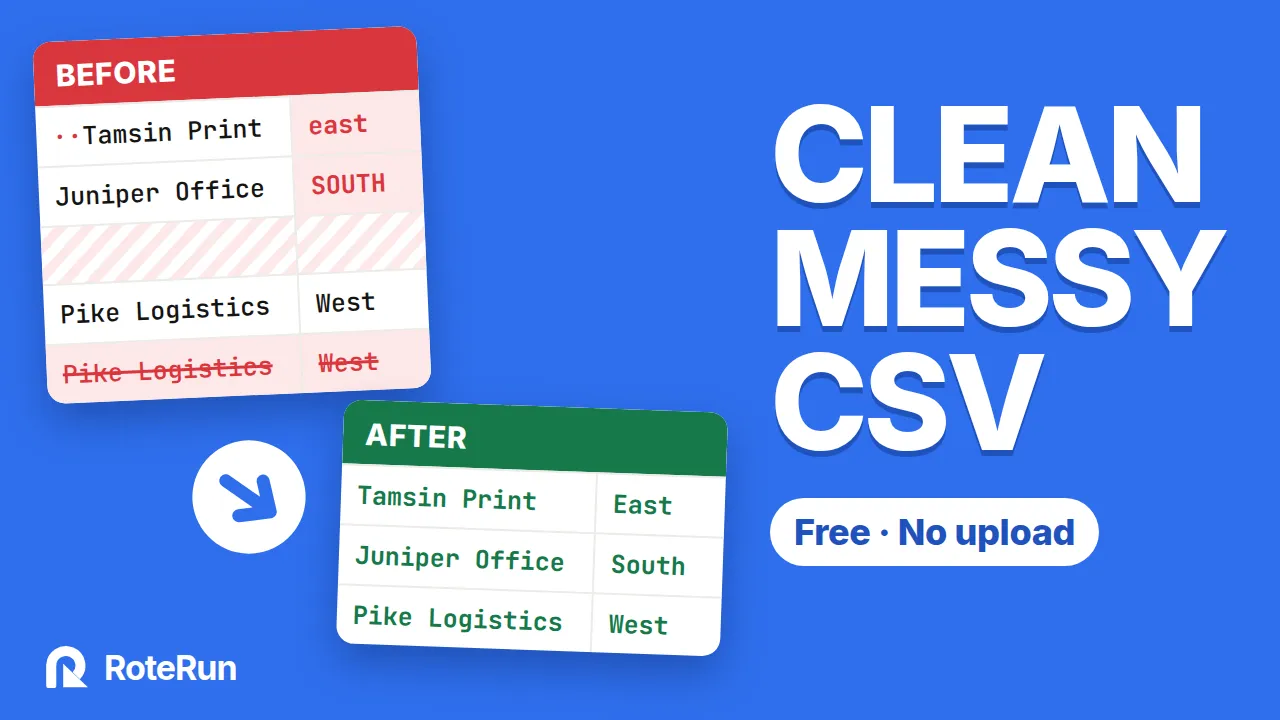
How to clean a messy CSV file online (free, no upload)
What it does, in detail
Problems found for you
- Empty rows and empty columns
- Values with extra spaces, per column
- Blank, repeated or padded headers
- Rows repeating an earlier row
- Mixed capitals in a column
- Dates that could be read two ways
- Blank cells, per column
One-click fixes
- Trim spaces in every column
- Remove empty rows
- Remove empty columns — untick any to keep
- Remove rows that repeat exactly
- Tidy headers, or lower_snake_case, or names of your own
Values
- Change case per column: Title, UPPER or lower
- Format dates: day, month or year first, in four output formats
- Find & replace, in every column or chosen ones
- Remove characters such as $ € £ , % #
- Read numbers: currency, thousands, (12) as −12, dot or comma decimals
Rows
- Find duplicates by the whole row or by key columns
- Ignore capitals and extra spaces; keep the first or the last
- Filter rows on text, number and date conditions, all or any
- Sort by several columns — text, number or date
- Keep the first N rows
Columns
- Drop columns
- Reorder columns
- Add columns with a fixed value
- Split a column by a separator
- Combine columns into one
Files
- CSV, TSV and TXT up to 50 MB
- Excel .xlsx up to 10 MB, with a tab per sheet
- Separator and encoding detected for you
- Values stay text: 00501 stays 00501
- Download a UTF-8 CSV, Excel-friendly if you like
Rote AssistantLaunching soon
Rote Assistant adds formulas, lookups from another file, group & summarise and Excel, JSON, XML or HTML output — and runs the same steps on a schedule.
Explore Rote Assistant →Start cleaning in the next ten seconds.
Open Rote Workspace and try it on the sample file, or on your own. No sign-up, no credit card.