Video tutorials
Short videos that show Rote Workspace working on a real, messy file. Each one uses a sample file you can download, so you can follow along step by step.
Processed locally in your browser. File contents are not uploaded. No account needed.
Data Workspace · 3:47
How to clean a messy CSV file online (free, no upload)
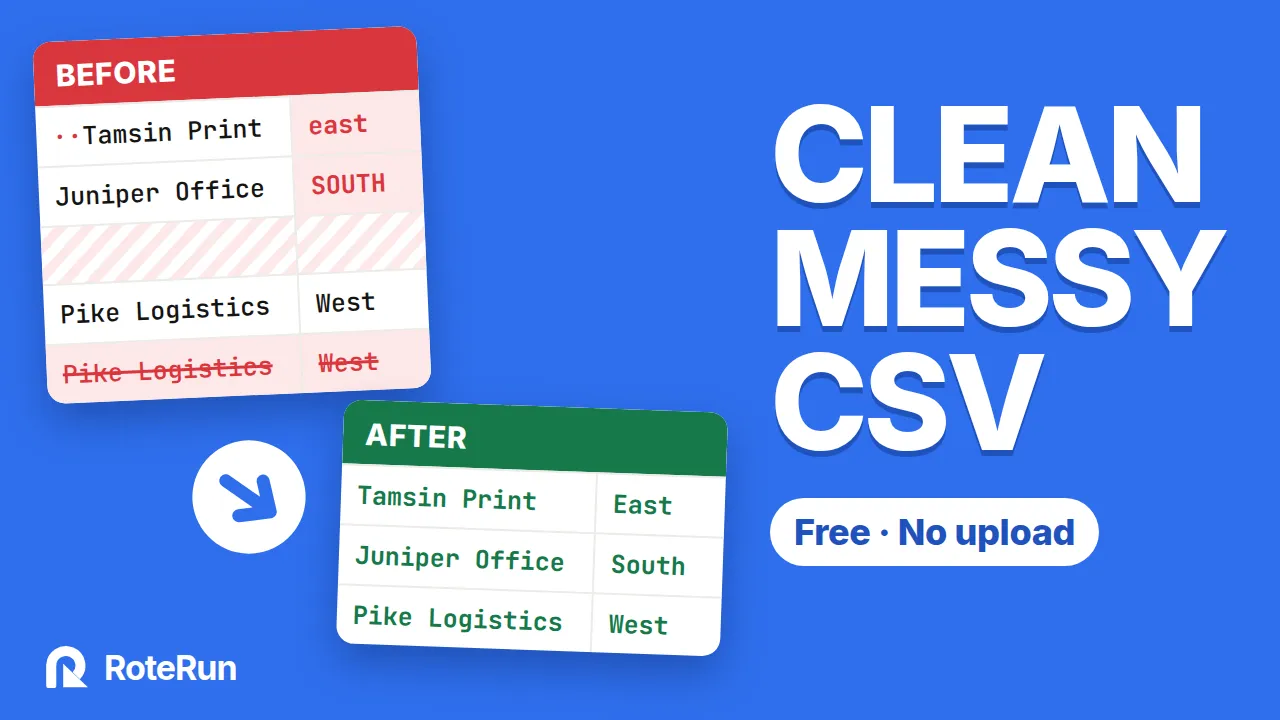
Clean a messy order export in a few minutes: remove blank rows, trim invisible spaces, fix column names, delete duplicate orders and make capitals consistent — then save the steps and run them on next week's file.
Follow along with the same file: orders-messy.csv (16.9 KB), or browse all sample files.
In this video
Each step opens the video on YouTube at that point.
Follow along
Download the sample file
orders-messy.csv has the same problems as in the video. Every name and amount in it is made up.
Open the Data Workspace
Open the Data Workspace in another tab and choose the file. It is processed in your browser, not uploaded.
Play, pause, repeat
Do each step as the video shows it. Your original file is never changed; you download a new, clean copy.
New videos
New tutorials appear on the RoteRun YouTube channel (@roterun) and on this page. Want a topic covered? Tell us what you would like to see.